


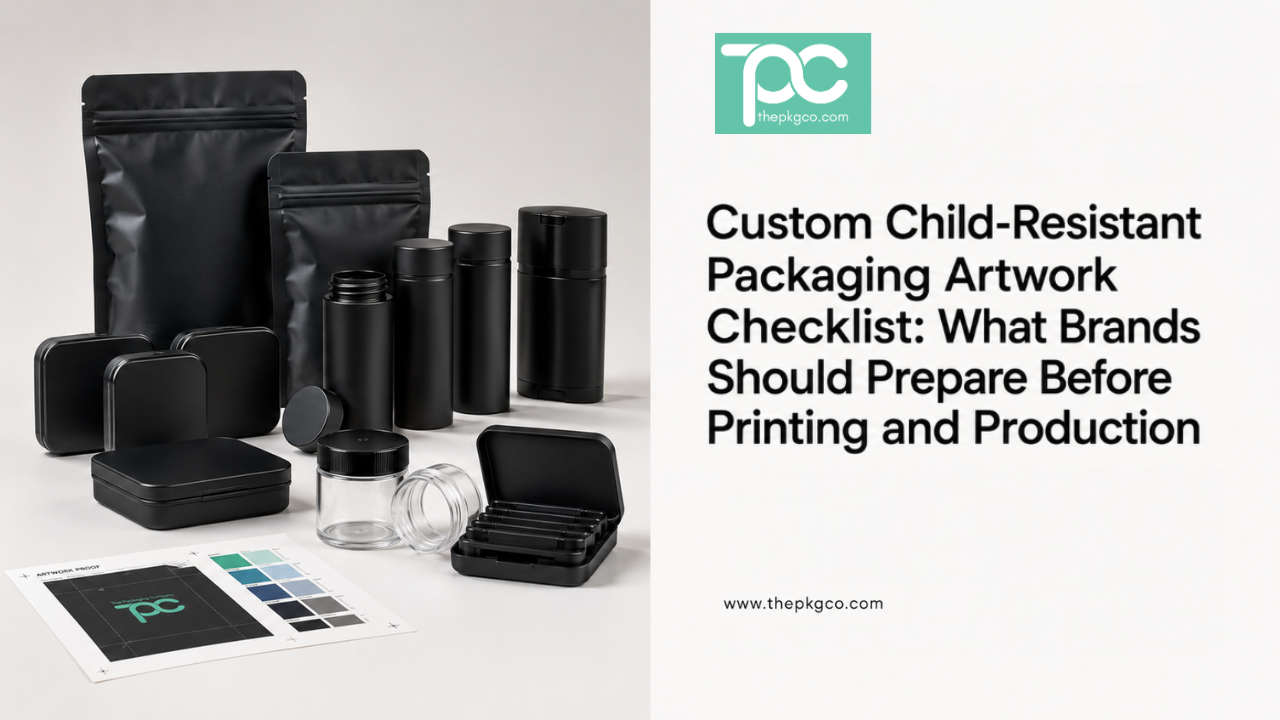
Custom child-resistant packaging can help a regulated product brand look more professional, but artwork mistakes can slow down production quickly. A design may look strong on screen, but if the warning label space is too small, the QR code is hard to scan, the batch label has no clear location, or the print proof is not approved correctly, the project can stall before production.
For brands preparing custom child resistant packaging, artwork should be reviewed as a production file, not only a visual design. The package still needs to support required information, child-resistant functionality, printing limitations, and approval steps.
This checklist explains what brands should prepare before printing custom child-resistant packaging for bags, jars, tubes, tins, containers, and other regulated packaging formats.
Why Artwork Prep Matters for Child-Resistant Packaging
Custom artwork is not only about making the package look good. For child-resistant packaging, the design must also support compliance information, readability, scanning, retail requirements, and production accuracy.
Brands reviewing child-resistant packaging solutions should prepare artwork early so the design does not interfere with required labeling or packaging function.
Start With the Correct Packaging Dieline
The dieline is the production template for the package. It shows where artwork, folds, seals, print areas, windows, closures, and safety zones should be placed.
Before designing, brands should confirm:
- The correct dieline for the exact package size
- Front, back, side, and bottom panel areas
- Bleed requirements
- Safe zones for text and logos
- Closure or sealing areas that cannot be printed over
- Any areas affected by child-resistant mechanisms
Using the wrong dieline can create artwork problems that are expensive to fix later.
Leave Enough Space for Required Warnings
Many regulated products require warnings, usage instructions, ingredients, net weight, symbols, or other required information. These should be planned before the design is finalized.
Brands should reserve space for:
- Warning statements
- Product directions
- Ingredient information
- Net weight or volume
- Storage instructions
- Regulatory symbols, if required
- Manufacturer or distributor information
If this information is added after the design is complete, the final package may look crowded or difficult to read.
Plan QR Code and Batch Label Placement
QR codes, batch numbers, lot codes, and testing references often need a clear location on child-resistant packaging. These details should not be squeezed into leftover space.
Before printing, confirm:
- Where the QR code will appear
- Whether the QR code is large enough to scan
- Where batch or lot labels will be applied
- Whether variable data will be printed or labeled later
- Whether the placement interferes with branding or warnings
This is especially important for child resistant bags, jars, tins, and tubes used in regulated retail environments.
Prepare Print-Ready Artwork Files
Design files should be prepared correctly before production review. A screenshot, Canva export, or low-resolution mockup is usually not enough for custom printing.
Brands should prepare:
- Vector artwork when possible
- High-resolution images
- Outlined fonts
- Correct color values
- Bleed and safe zones
- Separate layers if requested
- Editable source files when needed
The supplier should confirm file requirements before print proofing begins.
Confirm Custom Color Approval
Color can shift depending on material, finish, printing method, and lighting. A green, black, gold, or white tone may look different on mylar, plastic, tin, glass, paperboard, or coated surfaces.
Brands should confirm:
- Pantone or color reference
- How the color appears on the final material
- Whether matte or glossy finish changes the color
- Whether metallic colors require special handling
- Whether color can be repeated on reorders
Custom color should be approved through proofing or samples before full production.
Review Finish Selection
Finish affects how the package looks and performs. Matte, glossy, soft-touch, metallic, clear window, or spot finish options may each change the final presentation.
Before approval, brands should ask:
- Does the finish fit the product positioning?
- Does the finish affect readability?
- Does the finish scratch easily?
- Does the finish affect seal or closure areas?
- Does the finish change lead time or MOQ?
Make Sure Decoration Does Not Interfere With Function
Custom decoration should not interfere with the child-resistant feature. For example, printing, labels, coatings, sleeves, or seals should not block closure movement, opening instructions, grip areas, or tamper-evident functions.
For products using child resistant containers, the design should be reviewed around the physical package, not only the flat artwork file.
Approve a Digital Proof and Physical Sample When Possible
A digital proof helps confirm layout, text placement, and general appearance. A physical sample or pre-production proof helps confirm color, finish, material appearance, and real-world readability.
Brands should review:
- Spelling and product information
- Warning placement
- QR code scanning
- Barcode readability
- Logo alignment
- Color accuracy
- Finish quality
- Closure and function after decoration
Final Artwork Checklist
Before sending custom child-resistant packaging to production, confirm:
- Correct dieline
- Print-ready artwork files
- Outlined fonts and high-resolution graphics
- Warning label space
- QR code and batch label placement
- Approved color references
- Finish selection
- Barcode and QR code testing
- Digital proof approval
- Physical sample approval when available
- Decoration does not interfere with CR function
Final Recommendation
Custom child-resistant packaging artwork should be prepared with production, compliance information, and package function in mind. Strong artwork is not only attractive. It is readable, printable, scannable, and compatible with the child-resistant packaging format.
The Packaging Company works with regulated product brands to review custom child-resistant packaging options, artwork requirements, decoration methods, sampling, MOQ, and production needs. Brands preparing a custom packaging project can speak with our packaging team before printing and production.
FAQ: Custom Child-Resistant Packaging Artwork
What should brands prepare for custom child-resistant packaging artwork?
Brands should prepare the correct dieline, print-ready artwork, warning label space, QR code placement, batch label area, color references, finish selection, and proof approval process.
Why does the dieline matter for child-resistant packaging?
The dieline shows the correct print area, safe zones, closure areas, folds, seals, and package structure. Using the wrong dieline can cause production issues.
Can artwork affect child-resistant packaging function?
Yes. Labels, coatings, sleeves, or decoration should not block the closure, grip area, opening instructions, tamper-evident feature, or child-resistant mechanism.
Should QR codes be tested before printing?
Yes. QR codes and barcodes should be tested at final size on the actual artwork proof to confirm they scan correctly.
Why is proof approval important before production?
Proof approval helps confirm layout, color, text, warning placement, finish, QR code readability, and decoration quality before the full production run begins.